Create an account, sign in to the client, and start your first cloud phone for free.
One-click deployment · No experience needed · Free to use
One-click setup.Built for beginners.
Prepare a suitable idle PC with the tutorial, then start one-click deployment from the client and manage your own cloud phones.

No technical background required—follow the tutorial step by step.
Check the system, memory, storage, and network before using existing hardware as a node.
One-click deployment and management
One-click cloud phone deployment and management
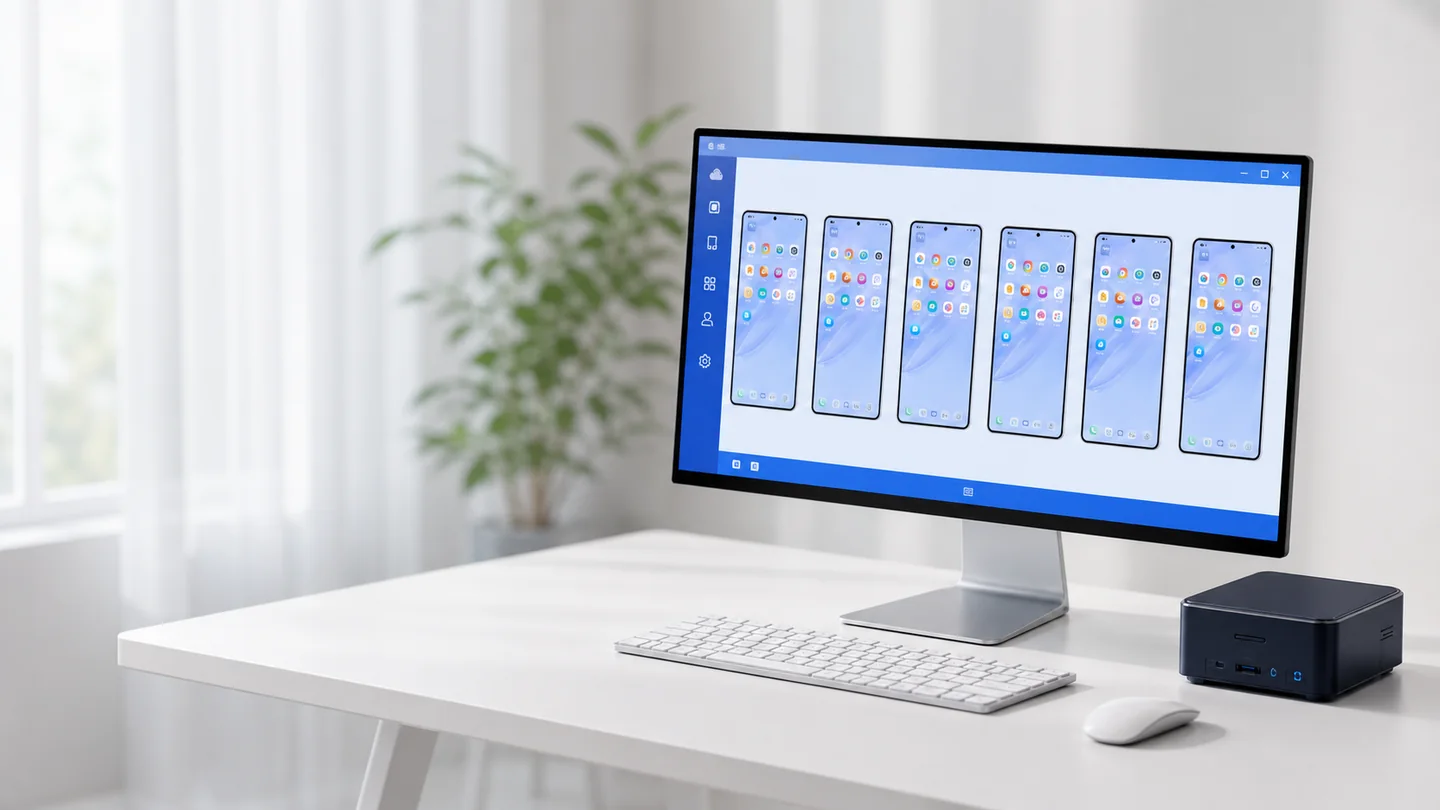
Once your PC is prepared, start deployment, create cloud phones, check status, and handle everyday management from the client.
One-click deployment
After the basic setup, start deployment from the client with less repetitive configuration.
Multi-cloud phone management
View multiple cloud phones together and keep status clear.
Remote access and controls
Connect remotely for power controls and everyday tasks.
Scale with your PC
Plan capacity around node resources and add phones gradually after validation.
Beginner tutorial
Deploy your first cloud phone in three steps
No server operations experience needed—prepare your PC and follow the tutorial.
Download the client
Install the Windows 64-bit client, create an account, and sign in.
Prepare your PC
Follow the tutorial to complete the basic network and environment setup.
Deploy with one click
Start deployment in the client, create your cloud phone, and begin using it.
Cloud phone guides
Cloud phone deployment and usage guides
These guides follow the order in which you will make real decisions: check whether the computer is suitable, prepare the Ubuntu node, connect it from the client, deploy the environment, and create the first cloud phone.
Complete tutorial
Cloud phone setup for beginners
From downloading the client and preparing Ubuntu to connection tests, deployment, and first use.
Read guideRead before deploymentComputer and system requirements
Separate the management PC from the runtime node and check the actual system, memory, storage, and network requirements.
Read guideReuse existing hardwareBuild a cloud phone node with an idle PC
Assess an older computer, protect its data, install the supported system, and validate it safely.
Read guideFAQ
Cloud phone deployment FAQ
Yes. Create an account, sign in to the client, and start deploying and managing your own cloud phones for free.
Yes. No operations background is required. The tutorial explains the preparation and steps in a clear order.
Prepare a suitable idle PC and follow the tutorial to complete the basic network and runtime environment setup.
Capacity depends on processor, memory, storage, network, and per-phone settings. Validate one phone first and increase the count while watching node load.
Free to use · Beginner-friendly
Download the client and start for free
Download the client, prepare a suitable idle PC with the tutorial, and start one-click deployment.
Free downloadSupports the Windows 64-bit client