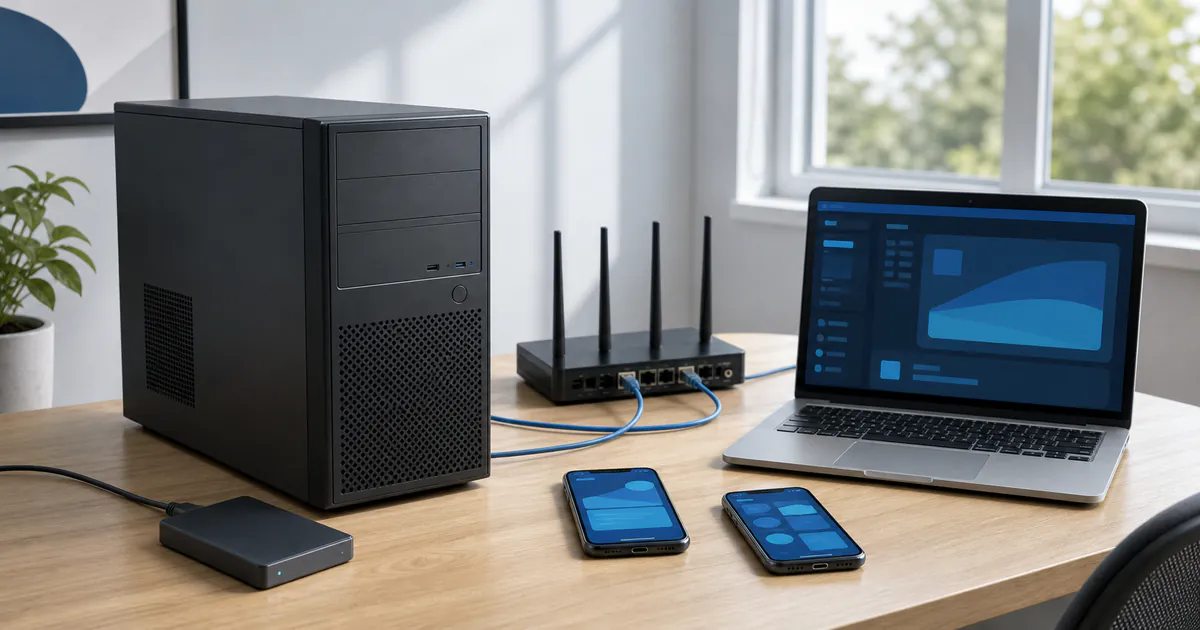
Which idle computers are more suitable
A suitable device supports amd64, runs Ubuntu 24.04 reliably, exceeds the memory and storage preflight minimums, and has dependable wired networking, cooling, and power. A desktop or well-cooled mini-PC is often easier to maintain, but the actual hardware still needs testing.
Old does not automatically mean unusable, and newer does not automatically mean stable. Storage health, memory errors, network drops, automatic sleep, and thermal throttling can all disrupt startup and remote control.
- An amd64 processor with a healthy motherboard and storage device.
- At least 4 GB of memory, with more reserved for the intended phone count.
- At least 30 GB free in the node data location; 80 GB or more is recommended for longer use.
- Stable wired networking instead of relying on fluctuating Wi-Fi.
- Sleep can be disabled, with stable cooling, power, and system time.
Protect data before changing the system
Repurposing the computer normally requires Ubuntu 24.04 amd64. Installation may repartition storage or overwrite the existing system, so copy documents, photos, browser data, and software license information to another verified location first.
After the backup, create Ubuntu installation media, install the system, create an administrative account, and enable SSH. Suishoubang one-click deployment does not install the operating system or restore data removed during installation.
Steps to turn an idle computer into a node
- 01
Inspect and back up
Check processor architecture, memory, storage health, networking, and cooling, then create a complete backup of anything you need.
- 02
Install Ubuntu 24.04 amd64
Use the standard Ubuntu installation process and configure the correct time zone, network, and administrative account.
- 03
Enable and test SSH
Record the node LAN IP, SSH port, account, and password, then confirm access from the Windows management computer.
- 04
Add the server in the client
Prefer the desktop LAN connection for a local node, save the server, and run the connection test first.
- 05
Run deployment and health check
Resolve system, storage, or network issues identified by preflight, then verify node health after deployment.
- 06
Validate one phone first
Create one phone and check display, network, restart, and node load before increasing the count.
What self-hosting gives you—and what you still maintain
A self-hosted node keeps the hardware, node operating system, and local network path under your management, and lets you begin with equipment you already have. The client is free to use, while electricity, internet, storage maintenance, and hardware failures remain part of your own environment.
A computer with aging storage, too little memory, unstable cooling, or frequent sleep may not be suitable for continuous operation. Small-scale validation is more reliable than creating many phones immediately.
Frequently asked questions
No guarantee. It must support Ubuntu 24.04 amd64 and meet memory, storage, networking, cooling, and power requirements, with healthy hardware.
The current runtime node requires Ubuntu 24.04 amd64. Whether you maintain a dual-boot setup depends on your partitioning and maintenance skills; always back up important data first.
Only after you configure lid, sleep, and power behavior in Ubuntu and confirm that cooling remains effective. Stable wired networking and sustained cooling matter more than a short successful startup.
The software client is free to use, but the computer, electricity, internet connection, storage, and maintenance are part of the user's own operating environment.
Free to use · Start with the tutorial